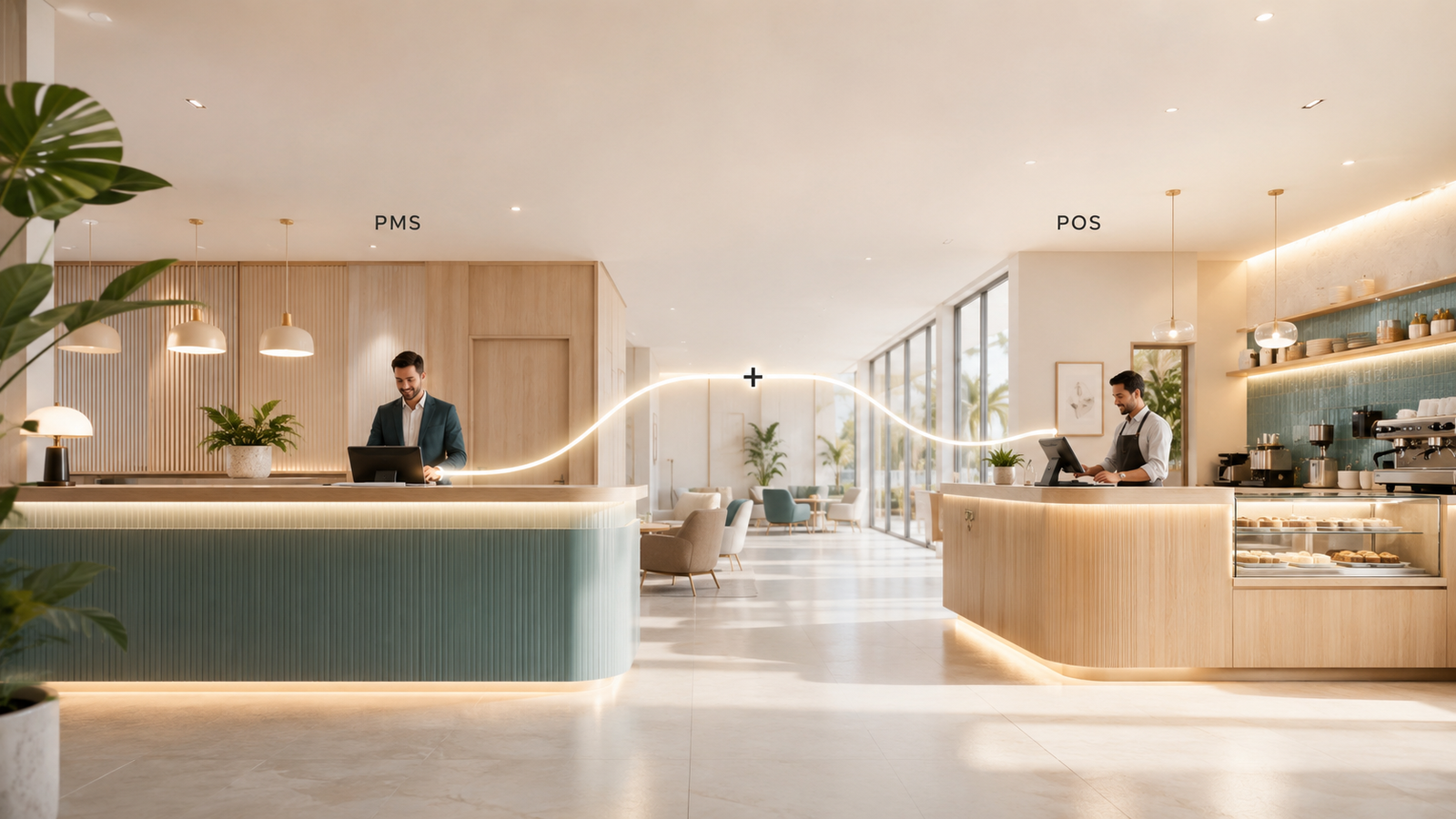
The two most fundamental technology systems in a hotel are also the two most frequently misunderstood in relation to each other. Hotel owners ask for a PMS and mean everything: reservations, billing, restaurant, housekeeping. What they actually need is a PMS for the rooms operation and a POS for the food and beverage and other transaction points, with the two systems integrated so the data flows between them automatically. When that integration is missing or unreliable, the hotel's financial reporting is incomplete and every decision based on that data is slightly off.
What Is a Hotel PMS?
The central software that manages a hotel's room operations. It handles reservations, check-in and checkout, room assignments, guest profiles, housekeeping status, room billing, and reporting. Every other technology in the hotel stack, from the channel manager to the booking engine to the revenue management system, connects to the PMS as the primary source of reservation and rate data.
A PMS is not a front desk tool. It is the operational backbone of the entire hotel. The reservation made on Booking.com lands in the PMS. The rate set in the RMS is distributed via the channel manager based on PMS inventory. The direct booking made on the hotel website is delivered to the PMS. The housekeeping team sees room status in the PMS. The front desk checks guests in and out through the PMS. The GM reviews occupancy and ADR reports from the PMS.
Every one of those functions depends on the PMS having accurate, real-time data. When the PMS sync is broken or the data is stale, the downstream effects cascade through every connected system.
What Is a Hotel POS?
Software that manages transactions at revenue-generating outlets other than the rooms department. In a hotel, this includes the restaurant, bar, room service, spa, retail, and any other outlet where guests make purchases. The POS tracks what was sold, at what price, by which staff member, at what time, and processes payment or posts the charge to the guest's room folio.
A good hotel POS does more than process transactions. It manages table assignments and covers in a restaurant. It tracks stock and inventory for the bar and kitchen. It produces revenue reports by outlet, by shift, and by item. It manages split bills, service charges, and GST. In a property where F&B revenue represents 20 to 40% of total revenue, the POS is as important to financial management as the PMS.
How PMS and POS Work Together
The integration between PMS and POS is what allows a guest to order dinner in the restaurant, have it charged to their room, and have that charge automatically appear on their folio at checkout. Without the integration, the restaurant team writes the room number on a docket, the front desk team manually posts the charge to the room account, and errors happen. With the integration, the transaction moves between systems instantly and the guest's bill at checkout reflects everything they consumed during their stay without manual reconciliation.
| Function | With PMS-POS Integration | Without Integration |
|---|---|---|
| Room charge posting | Restaurant charge posted to room folio automatically at point of sale | Manual docket system. Charges posted manually, often at end of shift. Errors and missed postings common. |
| Guest folio at checkout | Complete folio with all room, F&B, spa, and ancillary charges consolidated automatically | Front desk must collect charges from each outlet and manually compile the final bill |
| TRevPAR reporting | Total revenue per available room calculated automatically across all departments from unified data | Revenue data from PMS and POS exist in separate systems and must be manually compiled for any total revenue analysis |
| Per-guest spend analysis | Full picture of each guest's total spend across rooms and all outlets, usable for personalisation and upsell targeting | Room spend visible in PMS. F&B and spa spend visible in POS. No combined view without manual reconciliation. |
Why the Integration Gap Is More Common Than It Should Be
Many hotels run a PMS and a POS with no integration between them. Sometimes this is because the two systems were purchased separately without checking whether they connect. Sometimes the integration exists technically but was never properly configured. Sometimes the hotel started with a basic PMS that didn't support POS integration and added a POS later without addressing the connectivity.
The visible symptom is manual reconciliation. If someone at the property is regularly moving numbers between the restaurant system and the hotel billing system by hand, the integration is missing or broken. The invisible symptom is incomplete revenue data: the GM is making pricing and staffing decisions based on room revenue figures from the PMS without knowing what the same guests spent at the restaurant, spa, and bar.
Buying both systems without confirming the integration exists and works. A PMS and POS from different vendors may be theoretically compatible but practically broken if the integration has not been properly tested and configured. Ask specifically: which POS systems does this PMS have a certified integration with? Then contact the POS vendor and ask the same question in reverse before committing to either system.
What to Look for in PMS and POS Selection
For properties that don't yet have both systems, or are considering replacing one or both, the integration quality is the primary selection criterion. A technically excellent PMS paired with a POS that doesn't connect to it reliably is worse than two adequate systems that integrate cleanly.
Certified integrations. Ask each vendor for a list of their certified integration partners. A certified integration means the two systems have been built and tested to work together, and both vendors are responsible for maintaining it. A non-certified third-party connector means someone else built the bridge and neither original vendor is accountable for keeping it functional.
Real-time posting. Room charges from the POS should appear in the PMS folio in real time, not batched at end of shift. Batched posting creates checkout complications when a guest checks out early and the last meal hasn't yet been posted to their room.
Reporting consolidation. The combined system should produce total revenue reports that include all departments without requiring manual export and import between systems. If monthly financial reporting requires someone to manually combine data from two separate exports, the integration is incomplete.
Test the integration today. Make a room charge through the POS and check how quickly it appears in the PMS folio. Look at last month's total revenue report and confirm whether it was compiled automatically or required manual work. If the answer to the second question is "someone did it manually," the integration needs attention regardless of what the vendor's documentation says.